
Best Website Builder for Life Coaches: Choose Around Your Client Journey
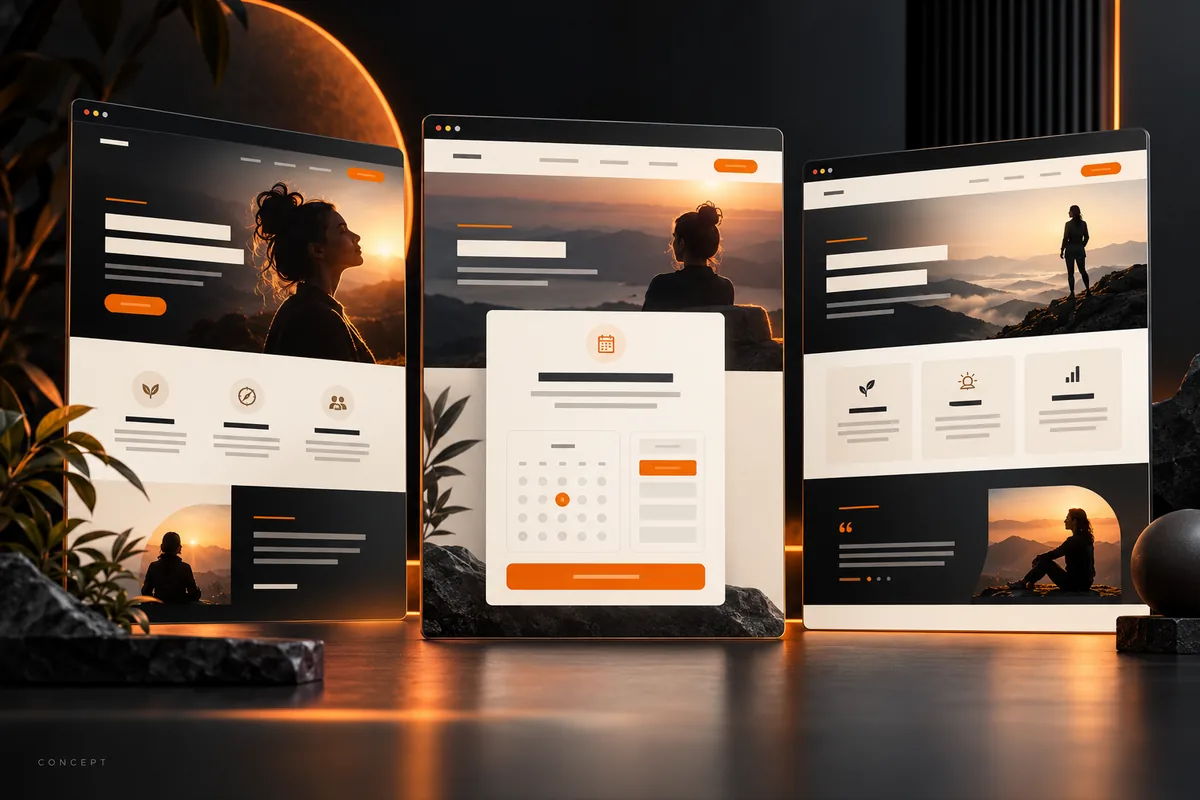
The best website builder for life coaches is the one that supports how you work with clients—and that you can keep up to date. Compare WordPress, Wix, Squarespace and coaching platforms using the same tasks: explain your offer, let someone enquire or book, deliver any paid content, and update the site yourself.
There is no universal winner. A coach offering one-to-one sessions needs a different setup from someone selling recorded courses or running a membership. Start with your current offer rather than a platform’s longest feature list.
Write down your client journey before comparing builders
Describe what should happen after someone lands on your website. For example: a visitor reads about your career-transition coaching, checks how sessions work, and requests an introductory conversation. That journey needs clear service information and a dependable enquiry route. It does not automatically need a course portal, community or online store.
Create a short requirements list:
- Who is the website for, and what service can they enquire about?
- Will clients request availability or book an available appointment directly?
- Will payment happen on the website, through your booking tool, or after a conversation?
- Do you need public articles, private resources, or both?
- Who will change the copy and manage the tools after launch?
Keep future ideas separate from launch requirements. You can consider expansion without paying for an entire business model you have not started.
Compare the main options by the work they need to do
WordPress: a configurable website with ongoing responsibilities
Self-hosted WordPress is an option when you want to shape the website’s structure and choose your own tools. Hosting, the theme, plugins and maintenance need to be planned together. WordPress and Elementor are not interchangeable: Elementor is a page builder used within a WordPress installation.
Consider this approach if your website needs a specific content structure or integrations and you have someone responsible for updates. Before choosing it, ask who will maintain backups, test changes and resolve plugin issues. Flexibility is useful when it serves a real requirement; it is not a reason to add more plugins.
Wix: a hosted editor with booking tools to evaluate
Wix offers a hosted website editor and Wix Bookings for scheduling. Check its coaching website information and Bookings documentation against the services you actually provide.
Try creating one real offer rather than browsing templates alone. Can a prospective client understand the session, choose the correct option and receive the right confirmation? Check the plan, payment availability and integration requirements before committing.
Squarespace: a hosted website with scheduling to budget separately
Squarespace can be considered for a coaching website with public service pages and a maintained brand presentation. If you use Acuity for scheduling, its subscription is separate from the website subscription. Squarespace documents both scheduling blocks and Acuity billing.
Test the transition from the service page to the scheduler. Check whether visitors can tell which appointment to select and what happens next. Include scheduling and other required subscriptions in your comparison, rather than comparing website-plan prices alone.
Coaching platforms: assess the public website as well as client administration
A coaching platform may suit a business whose main requirement is administering sessions, packages or client access. Evaluate the public-facing website separately: can it explain your approach, publish useful articles and present your services in the way you need?
Do not assume every coaching platform provides the same website controls. Ask for a demonstration of the specific workflow you require. If you already use a client-management tool, check whether your website can work alongside it before moving everything.
Use this shortlist worksheet
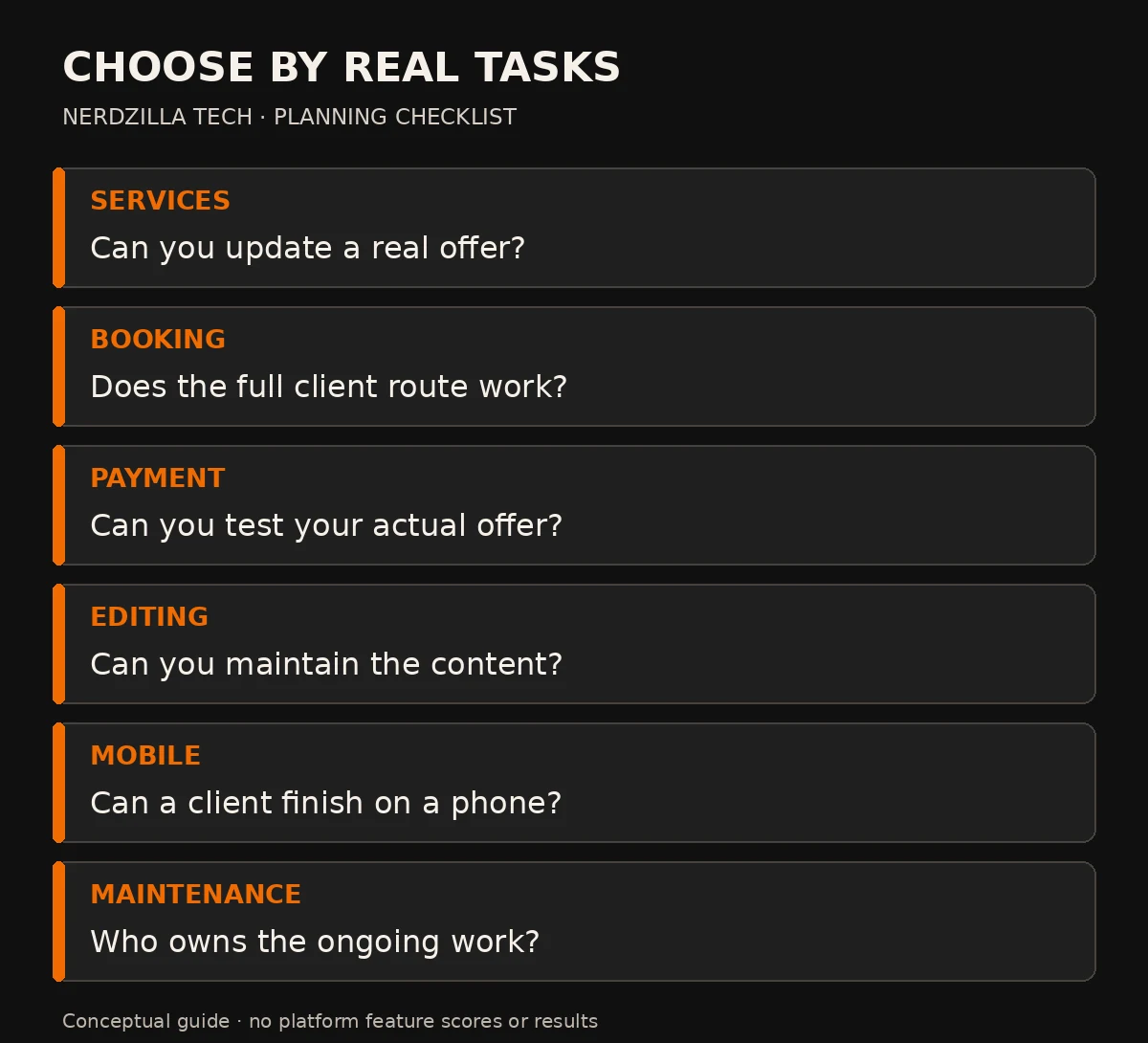
A task-based shortlist, not a platform score or a guarantee of included features.
For each platform, mark each requirement as demonstrated, requires an additional tool, or not yet confirmed. These are questions to test, not platform feature scores.
| Requirement | What to demonstrate |
|---|---|
| Service explanation | Update a real service page without breaking its layout |
| Enquiry or booking | Complete the full journey and receive confirmation |
| Payments, if required | Test the actual offer and supported payment route |
| Content editing | Publish a short article and update navigation |
| Mobile use | Read the service, use the form and check the confirmation |
| Ongoing ownership | Identify account access, renewal costs and maintenance responsibility |
Choose between your two strongest candidates using these tasks. A polished demo with your own content tells you more than a collection of screenshots.
Example: one-to-one coaching versus a resource membership
Imagine a fictional coach offering individual sessions. The launch website might need Home, an explanation of the coaching service, About, and a discovery-call route. The key test is whether a visitor can understand the offer and take the next step without confusion.
Now imagine the same coach planning a paid resource library. That introduces a different set of requirements: accounts, access rules, payment status, customer support and a way to update resources. Compare those requirements separately before adding the library.
These are planning examples, not Nerdzilla Tech client projects or promises about results. They show why the offer should drive the platform decision.
Compare the total commitment, not just the advertised price
Build a budget containing the website subscription or hosting, domain, required extensions, booking system, payment processing, setup work and ongoing support. Check current prices directly; a free trial is not an ongoing free website.
Also budget your time. If updating a service takes hours or requires help you cannot access, that affects the practical cost. Ask what happens when you want to move later: which content, records and files can be exported, and what would need rebuilding?
If you are considering hiring help, our small-business website planning guide provides a broader planning perspective. Confirm the coaching-specific requirements before requesting a quote.
Run a trial before making the final choice
Use one service description, one approved photograph and one genuine next step. Test the trial site on a phone and ask someone unfamiliar with your business to explain what you offer.
Check the form or scheduler yourself. A button labelled “Book a Session” should lead to booking; an enquiry button should explain that you will reply. Avoid presenting an unconfirmed enquiry as a confirmed appointment.
Finally, update the service description yourself. If this routine task is difficult, resolve the workflow before building the rest of the site.
Life-coach website-builder FAQs
Which website builder is best for a life coach starting out?
Start with the simplest option that demonstrates your real client journey and fits your maintenance budget. For one-to-one coaching, clear service pages and a working enquiry or booking route may be enough. Compare tools through a trial rather than choosing by template appearance alone.
Do I need a coaching platform and a separate website?
Not always. Decide whether the public website and client administration need different tools. If one platform meets both requirements, that may simplify the setup. If you already have a reliable booking system, explore connecting it before replacing it.
Will choosing WordPress improve my Google rankings?
Choosing a platform does not guarantee rankings. Useful content, crawlable pages, sensible internal links and a reliable visitor experience still need attention. Select a platform that lets you maintain those basics.
Can I change platforms later?
Possibly, but check export options first. Content, client records, booking data and design may have different transfer methods. Preserve working URLs where possible and plan redirects for changes that are necessary.
Choose the platform around the business you have
Write down your offer, test the complete client journey and identify who will maintain the website. Then choose the platform that meets those requirements with a workload you can sustain.
Nerdzilla Tech’s Life Coach Website Design service can help you plan the website around your coaching offer and enquiry route. Share your existing tools, required pages and preferred editing workflow so the scope can be confirmed.