
How to Promote Your Music Website: A Practical Release Campaign
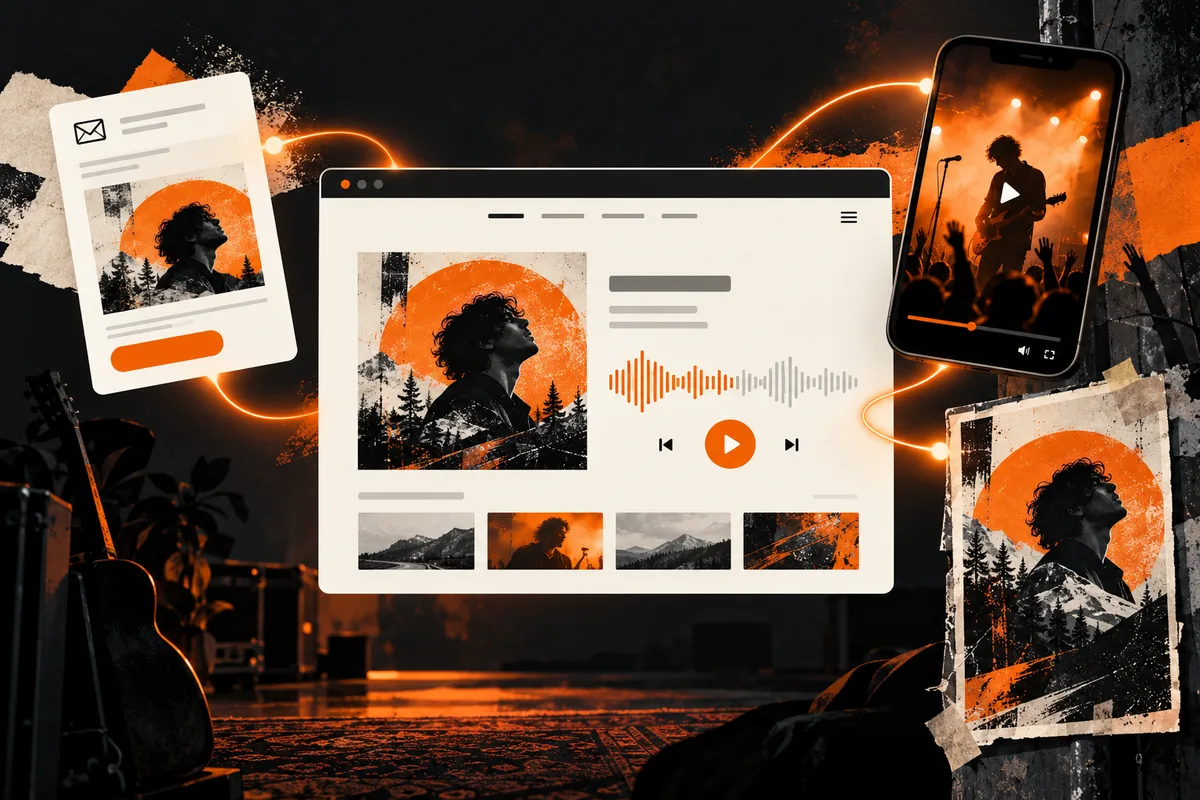
To promote your music website, give people a specific reason to visit and send them to the page that fulfils it. Share a release with a listening page, a show announcement with accurate event information, and a booking message with a clear enquiry route. Then check whether visitors can complete that action.
The aim is not to send every person to your homepage. It is to connect the announcement, the destination and the next step. This guide focuses on promoting an existing artist website, rather than building the site or choosing a revenue model.
Choose one visitor action for each campaign
Before posting a link, finish this sentence: “After visiting, I want this person to…” Listen to a new track, check a show, download an authorized release or enquire about a performance are different goals.
Pick the most relevant destination you already have. A release announcement should not make someone navigate through your biography to find the player. A booking email should not send a promoter into a merchandise catalogue.
If the offer itself is unclear, use our music website monetization guide to decide what people can buy or enquire about. Promotion is easier to plan once the offer is defined.
Prepare the destination before sharing it
Open the page while logged out and on a phone. Check that the announcement’s promise is immediately recognizable: the same release, show or service should appear on arrival.
For a release page, check:
- Artist and release names are clear.
- Artwork matches the material you are sharing.
- A player or listening destination is easy to find.
- Download, purchase and streaming buttons say what they do.
- Any release date or availability information is accurate.
- There is a contact route for questions.
For a performance enquiry, explain the type of event you accept and the information you need. Do not imply that submitting an enquiry reserves a date.
If you are offering files, our music download website guide covers the difference between previews, free files and paid delivery.
Match the channel to the reason for visiting
Social posts: send the audience to the item you announced
Use a short clip, artwork or a piece of context that belongs to the release. Describe what people will find when they follow the link. “Listen to the new single” is more useful than “Check my website.”
Some platforms make links less convenient than others. Test the actual route from your profile or post on a phone, including the platform’s in-app browser. Avoid telling people to follow a clickable link if it is not clickable in that format.
Email: keep the main destination obvious
Send relevant updates to people who have subscribed to hear from you. Explain the release or show briefly, then provide the relevant destination. Separate an announcement from unrelated requests so readers know which action matters.
Check the message before sending: does the link point to the current release, and does the page fulfil the email’s description? A successful email delivery is not proof that the destination works.
Live shows and printed material: test the mobile route
A printed website address or QR code can connect someone at a show with the relevant page. Test the final printed code from a phone before distributing it. Include a readable address as an alternative, and avoid covering the code with decorative elements.
Decide what someone at the event needs now: the current set’s music, your next dates or a signup. Do not create an unnecessary account step just to let them listen.
Collaborations and press: provide a relevant resource
When another artist, venue or publication genuinely covers your work, provide the most useful existing page. That could be a release, show information or approved press material.
Make outreach specific and respectful. Do not buy bulk links or submit the same irrelevant pitch across unrelated sites. The goal is a useful mention that helps its audience, not a collection of links with no context.
A simple campaign map
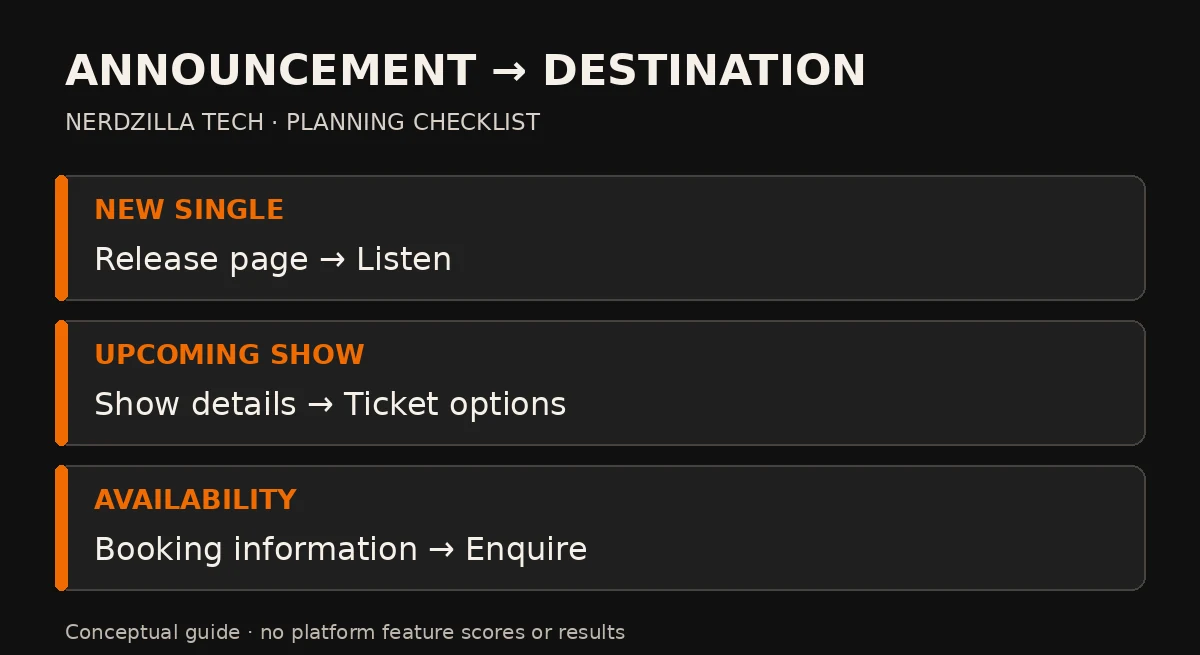
Match each announcement to its destination and next action; these are planning examples, not measured campaign results.
| Announcement | Website destination | Main action | What to check |
|---|---|---|---|
| New single | Current release page | Listen | Player works on a phone |
| Free authorized track | Track page | Download | Correct file arrives |
| Upcoming show | Show details | View ticket options | Date, venue and ticket link are current |
| Performance availability | Booking information | Send an enquiry | Form reaches the intended inbox |
These are planning examples, not measured campaign results. Use only the rows that match your actual offer.
Example: promote a fictional single without confusing the destination
Imagine a fictional artist releasing “Night Signals.” An announcement includes a short approved clip and says, “Hear Night Signals and read the story behind the track.” The linked page contains that release, a listening option and a short explanation.
The email uses the same destination. A poster at the release show points there too. Someone interested in booking the artist can follow a secondary link to performance information, but listening remains the page’s main task.
This example illustrates a consistent journey. It is not a Nerdzilla Tech project, traffic forecast or guarantee of fan growth.
Make the website understandable in search and sharing
Give the release a descriptive title containing the artist and release name, and write a summary that describes the content. Use readable headings and relevant internal links. Search engines need useful page information; artwork alone cannot explain an entire release.
Choose a sharing image that remains recognizable at small sizes. Check the platform’s preview before sending the campaign, particularly if you recently changed the image or title. Social platforms may retain an older preview until they fetch the page again.
Do not target unrelated popular music queries. Someone searching for another artist’s downloads is unlikely to become a relevant visitor simply because the phrase appears on your page.
Measure the journey, not just the visit
If you use analytics, define the actions you want to observe: player interactions, outbound ticket clicks, downloads or submitted enquiries. Confirm that tracking measures the intended event and follows the consent requirements relevant to your audience.
You can use consistent campaign labels to distinguish email and social links. Keep personal information out of URL parameters. Avoid giving several channels the same vague label if you want to compare them later.
Interpret results carefully. A click on a ticket link is not a verified ticket sale, and a player interaction is not a streaming royalty. Search Console shows Google search activity; it does not describe every visitor from email or social media.
Diagnose what happens before spending more
- Few people follow the announcement: review relevance, clarity and distribution.
- Visitors arrive but cannot find the release: simplify the destination.
- A button is used but delivery fails: fix the file, checkout or external destination.
- Enquiries appear to submit but do not arrive: test form delivery and confirmation.
- Traffic increases without relevant actions: check whether the audience matches the offer.
Paid promotion is optional. Test the destination and your measurement before allocating a budget. More visits to a broken journey do not fix the underlying problem.
Music website promotion FAQs
Can I promote my music website without paying for ads?
Yes. Start with your existing audience, relevant email updates, live-show material and genuine collaborations. Each route still needs a clear reason to visit and a useful destination. Free distribution does not guarantee reach.
Should every post link to my homepage?
No. Link to the page that fulfils the announcement. Use the homepage when you are introducing the artist generally; use a specific release or show page when that is the message.
Should I post more blog articles to get traffic?
Publish when you have something useful to share or a distinct question to answer. Repeating similar announcements or producing irrelevant articles does not create a useful reason to return.
Can I measure whether visitors become fans?
You can observe defined actions such as signups and enquiries, but a single visit does not establish a lasting fan relationship. Choose measurements that correspond to the goal and acknowledge what they do not prove.
Give every announcement a working destination
Start with one release or offer, check its page, and connect each promotional message to the next action. Improve confusing or broken steps before expanding the campaign.
If your site makes releases, shows or enquiries difficult to find, explore Nerdzilla Tech’s Music Website Design service. Share your current URL and the action visitors should complete so we can discuss the website work required.