
Sound Waves and Web Waves: Integrating Audio on Websites
Audio website design should let visitors hear the work without taking control away from them. For a musician, podcast, or audio brand, the player needs to be easy to find, easy to pause, and clear about what will play. Start with the listener’s task before adding sound effects.
Choose the audio that belongs on the page
A homepage might feature one current track or short introduction. An album page needs an ordered track list with titles and durations. A podcast page should identify the episode and provide a description. In each case, visitors should be able to choose when playback begins.
Keep the file or stream source dependable. If you embed a third-party player, test it on phones, check what happens when it fails to load, and provide a route to the release elsewhere when appropriate. Avoid multiple players that compete for attention.
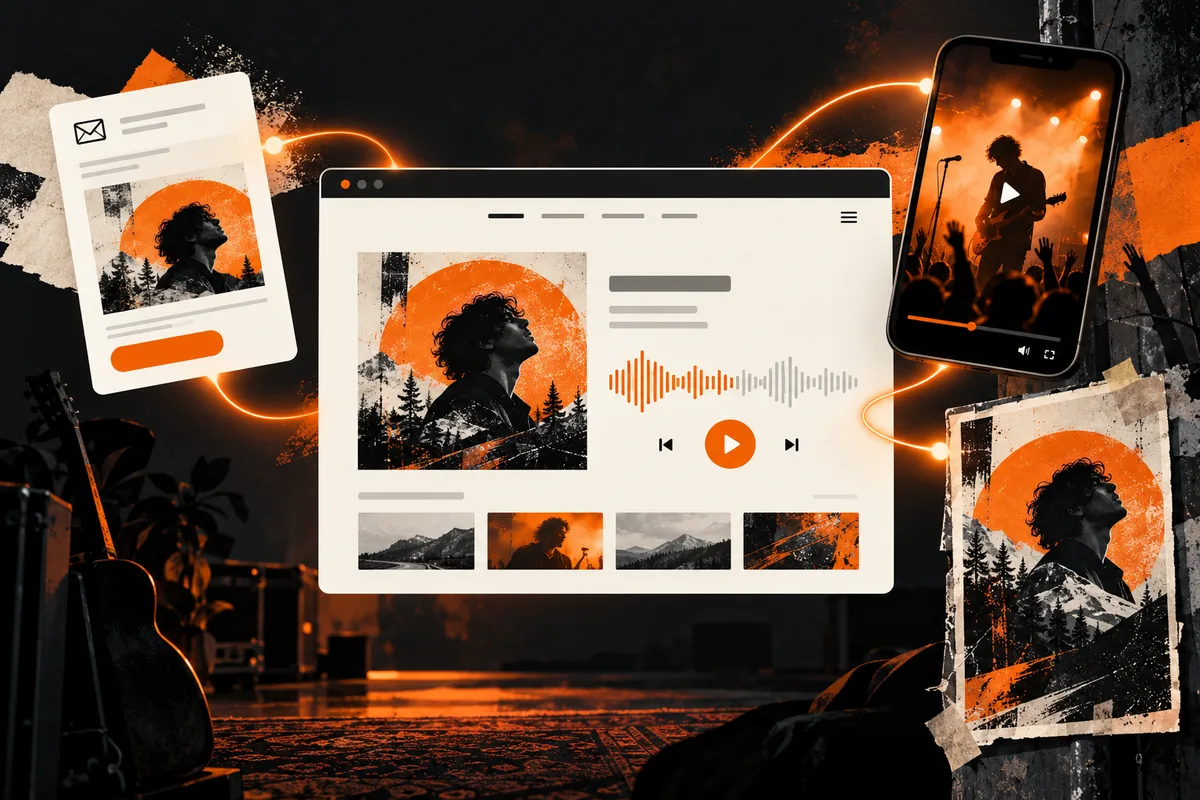
Give listeners control
Do not start music automatically when the page opens. Unexpected sound can disrupt visitors and make the site difficult to use. Instead, show a clear play button, pause control, track name, and progress. Make controls operable by keyboard as well as touch.
When audio carries information, provide an appropriate text alternative. For a spoken episode, a transcript helps people who cannot hear it and anyone who prefers to scan. For video with speech or meaningful sound, provide captions. The W3C audio and video accessibility guidance describes these formats.
Design around mobile listening
Test the complete journey on a phone: find a release, start playback, change tracks, pause, and follow a ticket or contact link. A sticky player may help on long pages, but it should not cover the content or hide navigation. Also consider visitors on limited data plans. Offer useful text and artwork before a large media file loads.
Use sound to support a story
A short sample can introduce an artist’s current release, while a show page might feature a live recording. Explain why each clip is there and place it near the relevant story or action. A decorative sound effect on every click usually adds friction rather than meaning.
Visual design still matters. Album art, headings, spacing, and a clear information hierarchy help a visitor decide what to hear next. For more structure, see our WordPress music website guide and music website projects.
Test before publishing
Ask someone unfamiliar with the site to find and play a track, pause it, and locate a show or booking link. Then check the same route without a mouse. If the player, transcript, or page layout fails, fix that basic experience before adding visual effects. Good audio website design gives the listener a clear choice and a reliable way to keep exploring.
One Reply to “Sound Waves and Web Waves: Integrating Audio on Websites”
How to Create a Music Website and Earn Money Online
[…] Explore audio integration ideas […]