
Visual Vibes: A Symphony of Graphics in Web Design
Graphics in web design help a music artist show the work behind the sound. Album art, portraits, live photography, and typography can make an artist site recognizable. Their job is to clarify the music and the next action, not to make a page harder to use.
Start with the artist’s visual identity
Choose a small set of colors, type styles, and image treatments that fit the current release. Then apply them consistently to the homepage, music pages, show listings, and social links. A strong visual system can evolve with a new album without changing the navigation every time.
Use real assets when possible: cover art, approved portraits, venue photographs, and promotional images with the necessary rights. If several artists or releases share a site, label each image so visitors know whose work they are seeing.
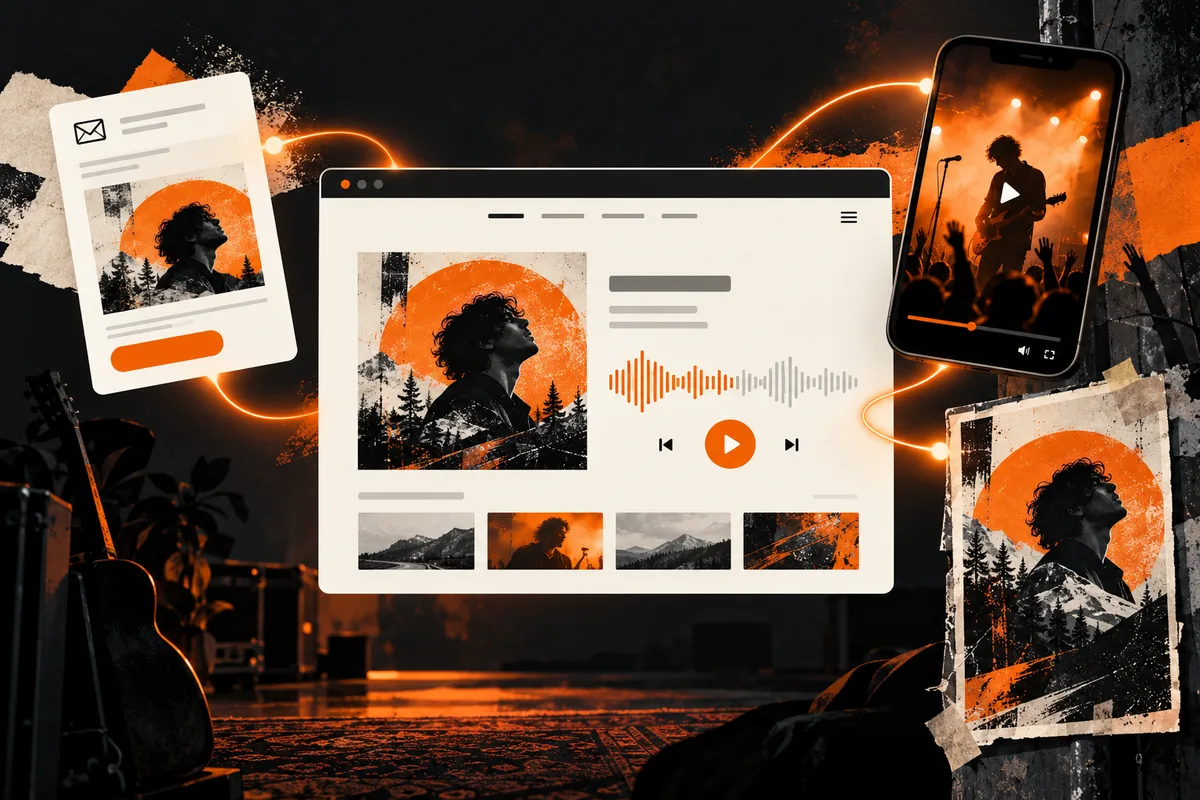
Make graphics useful on every screen
Crop an image for the space where it appears instead of shrinking a desktop hero until the subject becomes invisible on a phone. Check that text stays readable over photos. When a busy image competes with a headline, move the text to a solid background or add enough contrast.
Large files can delay the music player and show dates that visitors came to see. Export images at an appropriate size, compress them, and test the page on a slower connection. Decorative animation should not block the main content or ignore reduced-motion preferences.
Write alternative text with a purpose
If an image conveys information, describe that information briefly. For example, a show poster may need the event name and date in surrounding text even when those details appear in the image. A decorative background can have empty alt text. The W3C images tutorial gives examples for different image roles.
Use the visual hierarchy to guide fans
Place the current release, music player, upcoming shows, and booking route in a clear order. Visual emphasis should match the artist’s goal. For instance, a new album campaign might lead with the cover and listening link; a touring act may prioritize dates and tickets. Keep labels plain even when the artwork is expressive.
Then test with someone who has not seen the design. Ask them to find a track, a show, and the contact page. If the artwork hides a control or the layout makes the task slow, simplify it.
Keep the site maintainable
Create reusable image sizes and page components so new releases do not require a full redesign. Record who owns the source files and how the team will add a show poster or replace cover art. A consistent system helps small artist teams publish accurately and on time.
For examples of artist sites, explore our music website portfolio. For a broader build plan, read the WordPress music website guide.