
How to Build a Pay-to-Play Playlist on WordPress
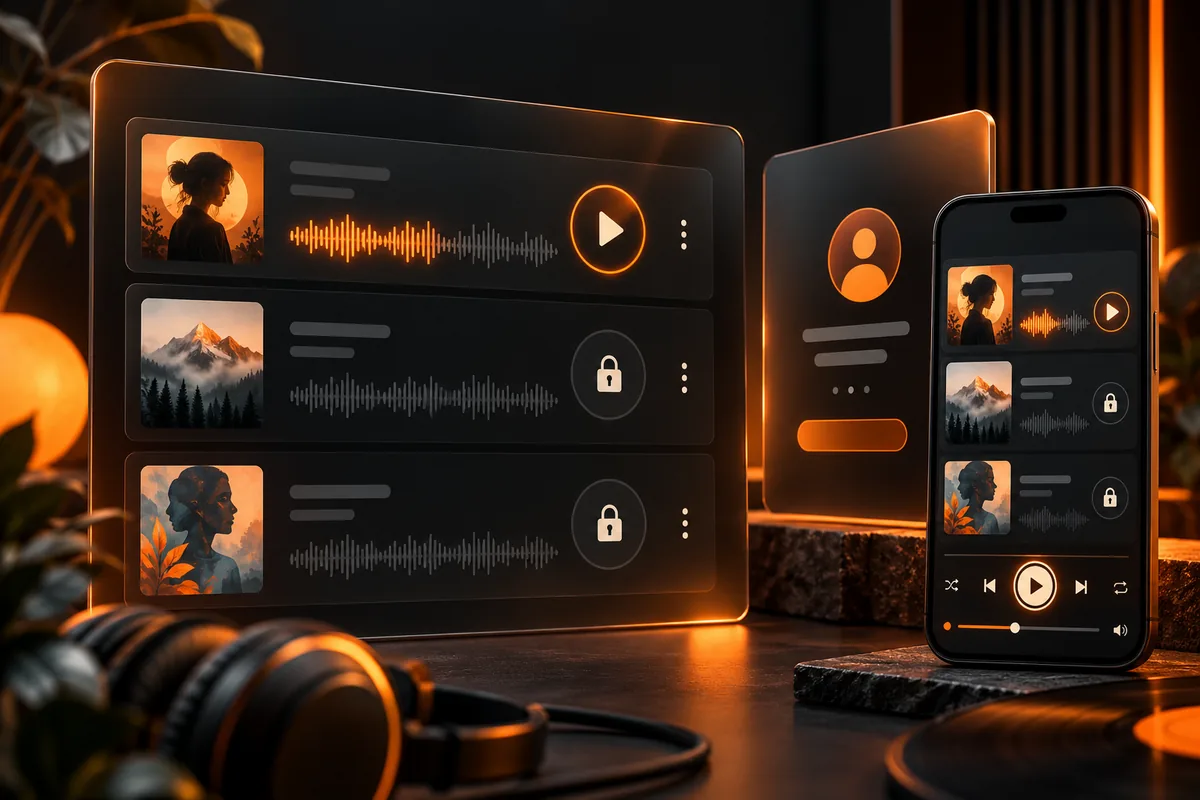
To build a pay-to-play playlist on WordPress, connect three separate parts: an audio player, a payment or membership system, and access controls for both the playlist page and its audio files. A player displays the tracks; payment establishes entitlement; access controls decide who can request the content.
This guide uses “pay-to-play” to mean a listener pays for access to your audio collection. It does not mean paying a curator for playlist placement, and it does not describe a coin-operated jukebox or billing someone for every individual playback.
Decide exactly what the listener is buying
Choose the access model before installing tools. Someone might pay once for a collection, subscribe to a changing library, or purchase downloadable files. Those promises require different delivery arrangements.
| Model | Listener receives | What you must define |
|---|---|---|
| Paid playlist access | Access to a specified listening collection | Duration, account requirement and available tracks |
| Audio membership | Access while membership qualifies | Renewal, cancellation and access after expiry |
| Download purchase | Files delivered after purchase | Formats, delivery method and permitted access |
Do not describe listening access as owning a downloadable album unless files are included. If downloads are your main offer, follow our music download website guide instead.
For the wider offer decision, see our music website monetization guide. This article focuses on implementing restricted listening once that decision is made.
Understand the three layers before choosing plugins
Playback
The player should show track titles, playback controls and a usable sequence. It needs to work with the file-delivery approach you choose. A player with an attractive playlist does not automatically charge users or protect files.
Payment and entitlement
The payment or membership system records which access a customer has. Define the offer, account flow and what happens when a payment is pending, fails or is refunded. For recurring access, define what happens after cancellation or expiry.
Content and file access
Restricting the page is not the same as restricting the audio URL. Test both. If a logged-out visitor can copy a premium file’s address and open it directly, hiding the player has not implemented the access promise.
MemberPress documents file protection separately from ordinary content rules. Paid Memberships Pro also documents protected file delivery. Verify the approach with your host and player; do not assume every combination works identically.
Select a compatible setup, not a list of popular plugins
Before buying tools, ask the vendor or developer to demonstrate:
- The player can request the protected audio while an eligible member is logged in.
- A visitor without entitlement cannot access premium pages or raw files.
- Payment status correctly changes the access state.
- Mobile playback, seeking and changing tracks work.
- The required protection method is supported by the hosting environment.
For example, MemberPress’s Downloads add-on concerns protected downloads; it should not be treated as proof that any third-party streaming playlist will work. Likewise, a membership plugin and an audio-player plugin are not automatically an integrated paid-playlist product.
Avoid installing several competing systems to cover the same job. Build and test one small combination first.
Step 1: prepare a staging site and sample content
Back up the existing website and test the setup away from the live customer journey. Begin with a small collection, such as two premium tracks and a separate public sample.
Use recordings and artwork you have permission to publish. Give files recognizable names and record which item belongs to each playlist. Keep the public sample separate from the premium full track so that offering a preview does not expose the purchased content.
The sample collection is a technical test, not a requirement to publish unfinished music.
Step 2: configure the offer and account flow
Create the access product or membership using the selected system’s current documentation. Describe the included collection and duration in plain language. Choose a payment provider supported for the business and configure its test mode where available.
Plan the route after payment: confirmation, sign-in if required, then the purchased playlist. Customers should also have a way to return later through their account. A payment receipt alone does not provide a clear listening experience.
Explain how to get support and how the access arrangement works before checkout.
Step 3: protect the playlist and underlying files
Apply the relevant access rule to the playlist page, then configure the documented file-protection or private-delivery method. Do not assume that adding a “members only” label changes how the server delivers an uploaded MP3.
Use the official instructions for your selected system rather than copying a server rule intended for a different host. Paid Memberships Pro’s protected-download documentation describes a restricted-directory method; MemberPress describes file rules. These are options to investigate, not interchangeable setup instructions.
Check that the player can still request the protected file and seek within it. Resolve delivery incompatibilities before accepting purchases.
Step 4: build the listening page
Include the playlist name, track list and clear play, pause and navigation controls. Explain whether downloads are included. Give members a route back to their account and a contact route if playback fails.
Keep the page usable without decorative animation. Avoid autoplay. Test controls with a keyboard and on a real phone, and provide appropriate text alternatives for spoken material. Our audio website design guide covers the listener-facing layout.
Step 5: test the access states
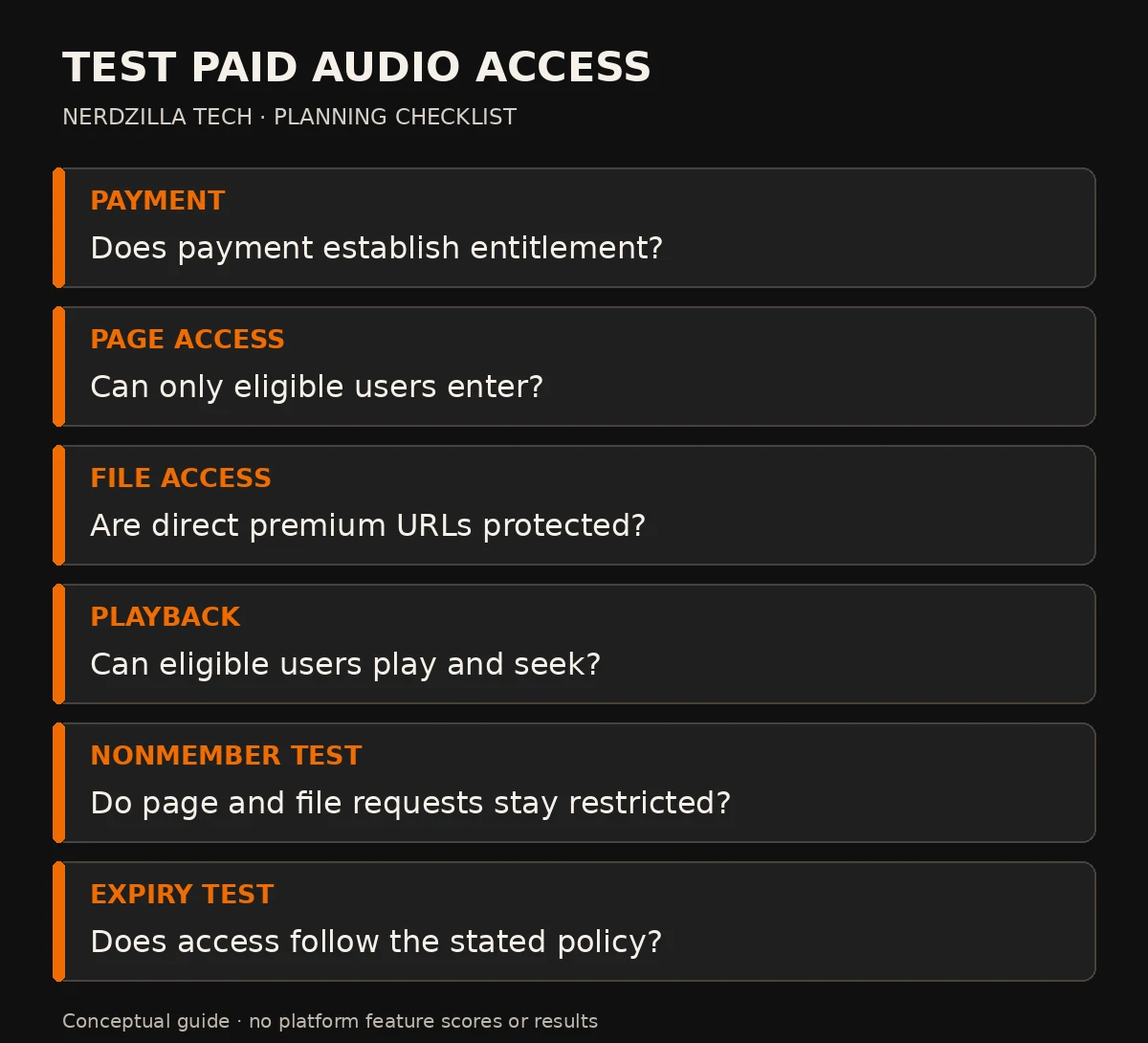
Conceptual access checks. Actual delivery and plugin compatibility must be demonstrated on the chosen setup.
Use distinct test accounts and a logged-out browser. Do not validate only with your administrator account.
| Test state | Expected result |
|---|---|
| Logged-out visitor | Public sample works; premium content requires access |
| Signed-in nonbuyer | Premium playlist and direct files remain restricted |
| Eligible purchaser | Purchased playlist loads and tracks play |
| Pending or failed payment | Access follows the documented payment policy |
| Expired membership | Access follows the defined expiry policy |
| Direct premium-file request | Same entitlement requirement is enforced |
Also test receipts, account recovery and returning to the playlist after signing out. Confirm the outcome of refunds and cancellations for the actual product configuration.
Common problems to resolve before launch
The page is private, but the music file is public
Review the file-delivery path and protection rule. Test the exact media address without membership access. Changing a filename or removing a visible download button is not a substitute for authorization.
Members can see the player but cannot play a track
Check whether the request uses the protected-delivery method correctly and whether the chosen player supports it. Ask your developer to inspect the failed request. Do not make premium files public merely to hide an integration problem.
Access behaves differently after caching
Test eligible and ineligible users with the cache configuration that will run live. Follow the membership system’s guidance for personalized and restricted content. Publicly cached account-specific output can give the wrong experience.
Mobile playback is unreliable
Check the actual file request, player and network conditions. Start with a simple page before adding persistent players or visual effects. A successful desktop test does not prove mobile playback.
Paid WordPress playlist FAQs
Can the WordPress Audio block charge for listening?
A playback block is not a payment or membership system. Charging for access needs payment handling, entitlement rules and a compatible content-delivery setup.
Can I charge for every play?
That is a different specification from buying playlist access. Usage-based billing requires reliable metering, a clear charging policy and additional implementation. Do not promise it because a plugin supports memberships.
Does restricting the page stop people sharing the audio?
It does not necessarily protect the underlying file, and access controls do not make audio impossible to record or copy. Test direct file requests and explain the access model honestly.
Can I use a public streaming embed behind a payment page?
Hiding an embed does not make the provider’s underlying content private. Check the provider’s terms and actual access controls. A public track is not transformed into protected audio by placing it inside a restricted WordPress page.
Launch a tested access model
Choose the offer, prove the player and protection work together, and test every access state before launch. Start with a small collection so faults are easier to identify.
For a website built around music, listening and enquiries, explore Nerdzilla Tech’s Music Website Design service. Tell us your current setup and intended access model; compatibility and development scope need to be confirmed before any paid-playlist feature is promised.