
How to Build a Peptide Ecommerce Website With WooCommerce
WooCommerce can give a peptide business control over its catalog, content and store design. The platform choice is only one part of the job, though. A useful peptide ecommerce website starts with accurate product information and a clear path from discovery to ordering.
This guide explains the decisions to make before a WordPress build. For visual examples of our work in the niche, browse NerdZilla Tech’s peptide website portfolio.
Map the catalog before building pages
List every product, variation, specification, image and document you intend to publish. Decide which attributes are shared across products and which differ. This inventory helps you plan categories, search, filters and product templates before you start entering items one by one.
For a small catalog, clear category pages may be sufficient. For a larger store, consider useful filters based on actual product attributes. Avoid adding filters that produce empty or confusing results.
Create a consistent WooCommerce product template
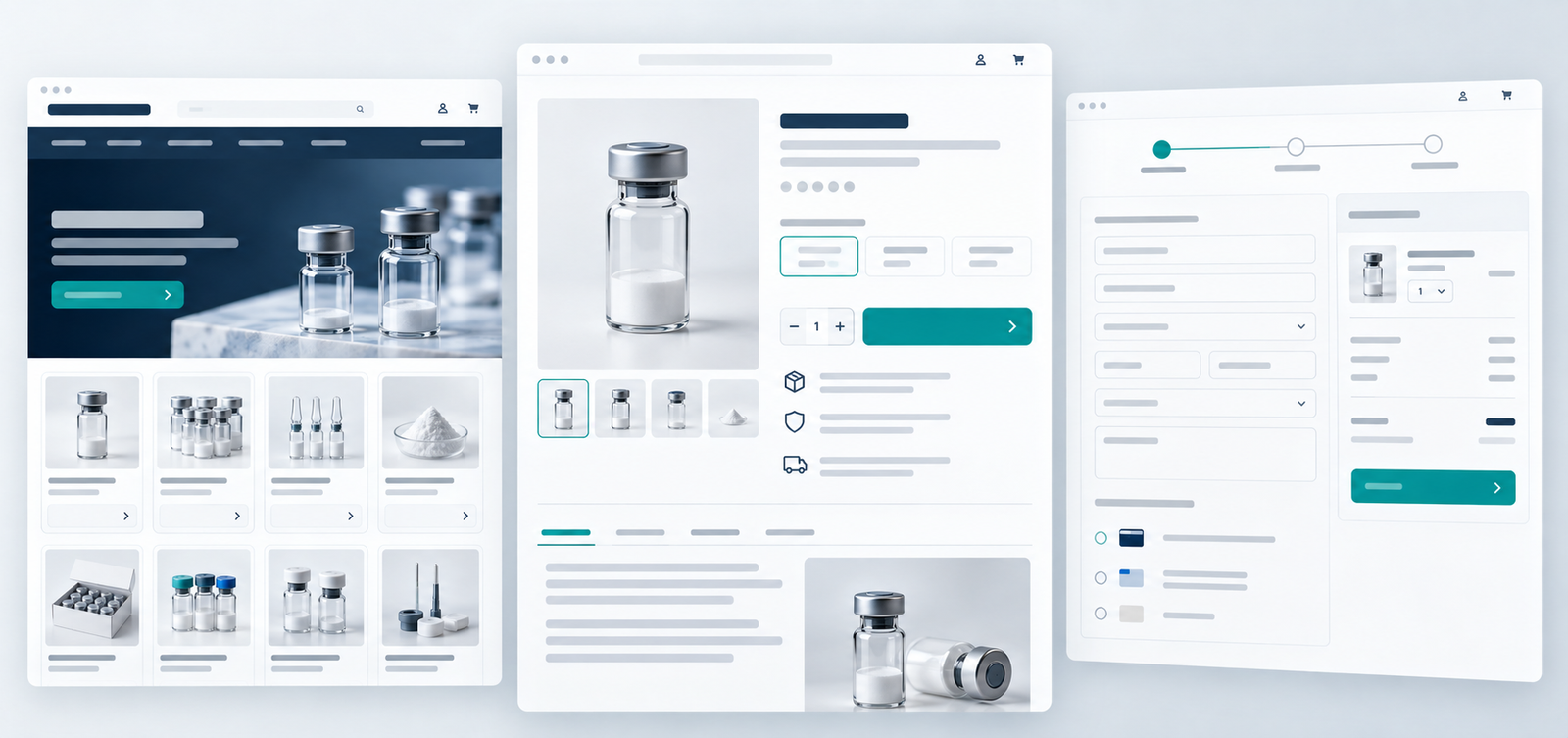
A product page should present the product name, relevant specifications, available options, supporting documents, availability and purchasing information in a predictable order. A consistent template helps visitors compare items and makes future updates easier for the store team.
Write descriptions from verified source material supplied by the business. Avoid copying generic claims across every product. The website should explain the item accurately without implying medical benefits that have not been established for the product or intended market.
Decide how documents will be maintained
If documents are supplied by product or batch, define who uploads them and how old versions are handled. Place the relevant link near the product details and use meaningful filenames or labels. A download should open the document a visitor expects, especially when batches change.
Confirm payment options before launch
Do not assume a payment gateway will accept a product because it works on another WooCommerce store. Confirm the specific products, business model and selling locations with your intended provider. Then configure only approved methods, test the full checkout and make shipping, refunds and contact details easy to find.
Test the peptide ecommerce website on mobile
Run through the catalog, product options, document downloads, cart and checkout on real mobile devices. Check image sizes and loading speed, but also inspect whether forms, tables and filters are usable. After launch, assign an owner for product data, documents, plugin updates and order testing.
Product data for a peptide ecommerce website
A peptide ecommerce website needs a consistent product data model. Before entering products, create a sample record for one ordinary item and one item with options. A practical content model might include product name, category, SKU, available variation, verified specification, image, document reference, inventory state and the person responsible for updates. Decide which fields are mandatory and where each appears on the product page.
WooCommerce supports global product attributes for organizing and filtering products, and variable products can carry their own price, stock and image per variation. Use those built-in tools where they fit the actual catalog; avoid adding a custom field for data that WooCommerce already handles. See WooCommerce’s attribute guide and variable product documentation for the platform behavior.
| Decision | Practical rule |
|---|---|
| Category | Group items by how visitors actually browse. |
| Variation | Use a variation only when the choice changes the purchasable item. |
| Document | Match the file to the correct product and batch. |
| Inventory | Show a clear state when an option is unavailable. |
| Payment | Enable a method only after the provider accepts the specific business. |
Test a complete order, not just an Add to cart button
Run a test with a realistic mobile visitor: enter from a category page, choose an option, open the supporting document, add the item, review shipping and complete an approved test payment. Then check the order confirmation and store notification. Repeat with an unavailable option and a failed payment so the buyer sees useful recovery instructions. Do not process a real transaction merely to test a layout.
An example from our portfolio
The current Ascend Peps site, listed in our project portfolio, places featured products, a shop route, FAQs and a four-step ordering explanation on its homepage. It illustrates a direct catalog-first route. Compare that with the account-led path on the current Advanced Peptides Australia site when deciding which entry flow makes sense for your business. These are observations of the current sites, not promises that every WooCommerce build needs the same features.
When does a peptide ecommerce website fit WooCommerce?
They are worth considering when the business wants editable pages, a structured product catalog and control over the store’s presentation. The right implementation still depends on the products, integrations, budget and maintenance capacity. A peptide website developer should define those requirements before promising a feature or a launch date.
See projects such as Ascend Peps and Tempo Labz in our portfolio. If you need help planning a WordPress store, tell NerdZilla Tech about your catalog and requirements.
Continue planning your peptide website
Start with the peptide website design checklist, then review the product-page and lab-report guide for the details each listing needs.
2 Replies to “How to Build a Peptide Ecommerce Website With WooCommerce”
Peptide Website Design Checklist | NerdZilla Tech
[…] how the WooCommerce peptide store guide handles product structure, and use our product-page documentation guide to plan each […]
Peptide Product Page Design & Lab Reports | NerdZilla
[…] For the wider site structure, use our peptide website design checklist. If you are building the store on WordPress, read the WooCommerce peptide ecommerce guide. […]