
Peptide Website Design: A Practical Checklist for Research Brands
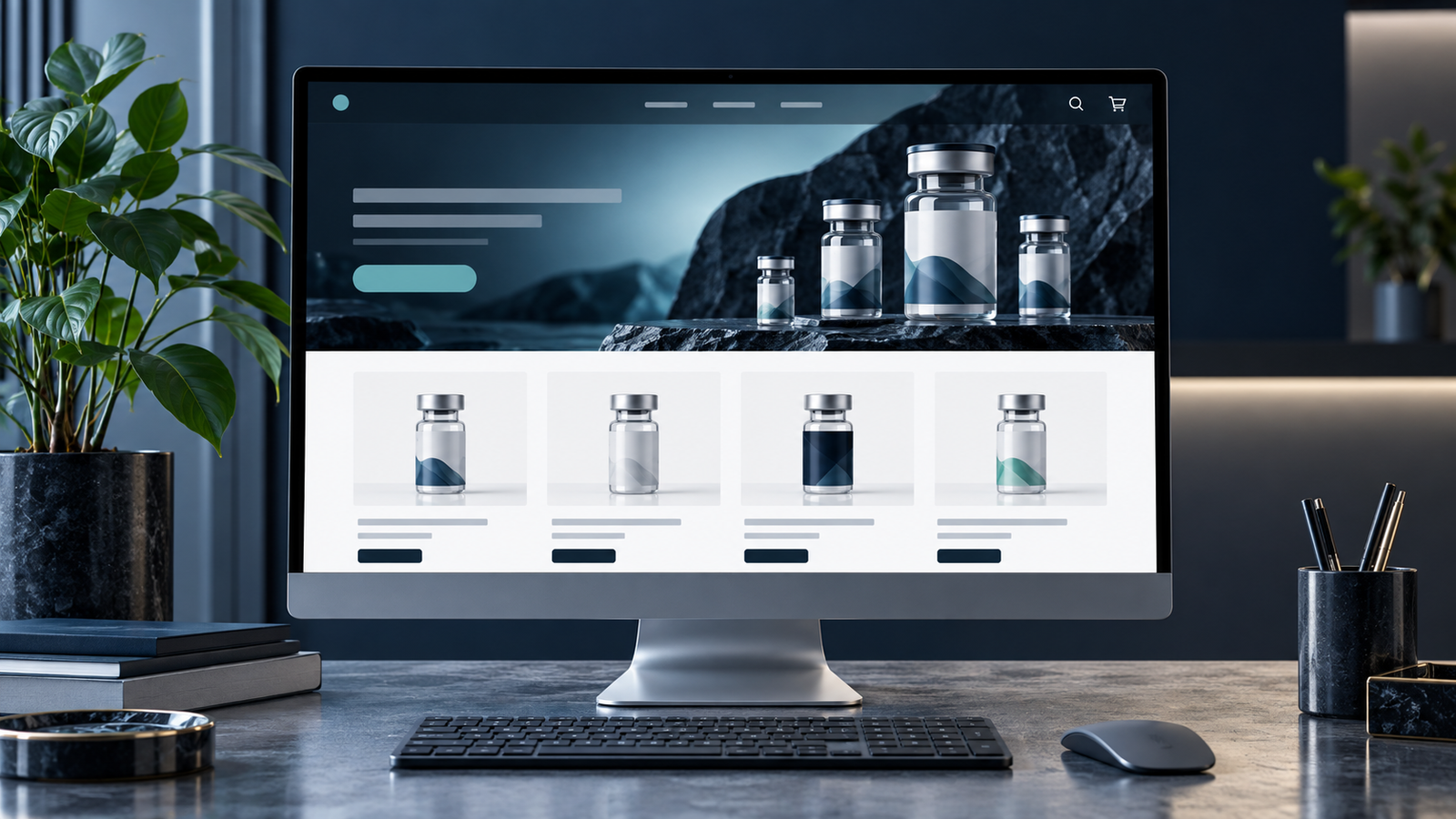
A research peptide website has to make a technical catalog understandable. Visitors should be able to see what the business offers, compare products, find supporting information and complete the next step without guessing. That is the real test of peptide website design.
At NerdZilla Tech, our peptide website portfolio includes Advanced Peptides Australia, Peptalk Labs, Elevated Compound, Tempo Labz, Ascend Peps, SlimPen and Retairl. Each brand has its own visual direction, but the underlying planning questions are similar.
1. Make the purpose of the site obvious
A first-time visitor should understand the business and find the catalog or enquiry route quickly. Use a clear headline, a direct primary action and navigation labels that describe where each link leads. Decorative science imagery can support the brand, but it should not replace useful information.
2. Build categories around the actual catalog
Organize products in a way that helps the intended audience browse. For a larger catalog, search and filters may be more useful than a long grid. Test category names with someone unfamiliar with the site: can they locate a product without knowing your internal naming system?
3. Give product pages a repeatable structure
Consistent product pages make comparison easier and reduce maintenance work. Include accurate names, available variations, relevant specifications, product imagery and ordering details. Separate verified facts from marketing language. If a specification varies by product or batch, display the correct information in the correct place.
4. Connect documents to the right product
If your business supplies a certificate of analysis or another lab document, link it from the relevant product page and identify its associated batch where applicable. A generic reports page can be useful, but it should not force visitors to guess which document belongs to an item. A website can present supplied documents clearly; it cannot validate a test result.
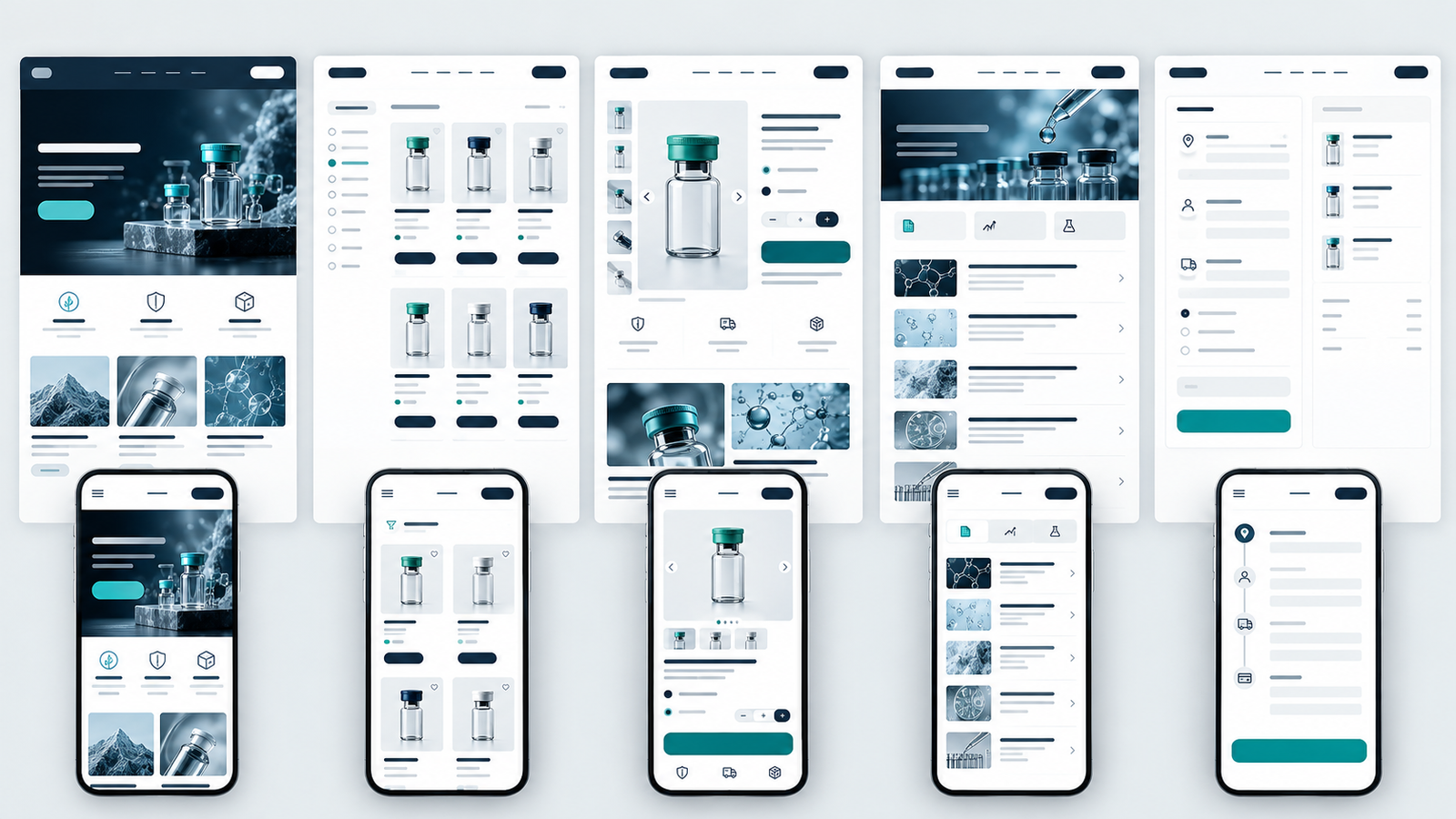
5. Test peptide website design across the mobile journey
Check more than the homepage at a phone width. Open the menu, use search, inspect a product, view its documents and complete an enquiry or test checkout. Tap targets, readable tables and concise forms matter as much as the desktop layout.
6. Check payment and content requirements early
Before committing to a checkout design, ask the intended payment provider whether it supports your specific products and business model. Have the business review product claims, intended-use wording and market-specific requirements. A visual disclaimer alone does not establish compliance or payment eligibility.
7. Make updates manageable after launch
Good peptide website design also depends on manageable updates. Your team should know how to add a product, replace an image, update a document and revise a policy without rebuilding the page. If the site runs on WordPress and WooCommerce, reusable templates and consistent fields can help keep that work orderly.
Choose the right path into the catalog
One design decision deserves more attention than the hero image: should visitors browse products immediately, or create an account first? These lead to different navigation and homepage layouts. A public catalog lets a new visitor compare items quickly. An account-led journey needs a clear explanation of what registration unlocks, a visible sign-in route and a smooth return to the intended product after registration.
For example, the current Advanced Peptides Australia site gives prominent paths to the shop, a COA library and researcher accounts. The current Elevated Compound site foregrounds catalog categories, batch documentation and research-use policies. Both are listed in our peptide portfolio. They illustrate different ways to prioritize information; use your own business rules and audience to choose the right route.
Peptide website design: page-by-page planning checklist
| Page or component | Question it must answer | What to test |
|---|---|---|
| Homepage | What does this business offer, and where do I go next? | First-screen clarity on desktop and mobile |
| Catalog | Can I find the relevant category or item? | Search, filters and empty results |
| Product page | What are the verified details for this item? | Variations, specifications and document links |
| Document library | Which report relates to which product and batch? | Labels, file opening and outdated documents |
| Cart or enquiry | What happens after I take action? | Mobile forms, order totals and confirmation |
Use this as a design review, not as a list of features every store must install. A small catalog may not need filtering; a store without verified batch documents should not show a decorative COA badge.
Common peptide web design mistakes
- Using identical copy on every product instead of verified item-specific details.
- Displaying a lab report that cannot be matched to the product or batch shown.
- Hiding shipping, returns or research-use terms until the final checkout step.
- Building an attractive desktop mockup without testing the mobile catalog and forms.
- Assuming a payment method is available before the provider has reviewed the business.
Our practical sequence is to map the catalog and documents, sketch the visitor journey, design the key page templates, then test the complete route on a real phone. That order reveals structural problems before visual polish makes them expensive to change.
See real peptide website projects
Explore Advanced Peptides Australia, Peptalk Labs and the rest of our peptide website work. The portfolio offers a starting point for comparing visual styles and discussing the structure your own catalog needs.
If you are planning a new site or redesign, contact NerdZilla Tech with your catalog size, required pages and examples of the experience you want to create.
Continue planning your peptide website
See how the WooCommerce peptide store guide handles product structure, and use our product-page documentation guide to plan each listing.
2 Replies to “Peptide Website Design: A Practical Checklist for Research Brands”
Peptide Product Page Design & Lab Reports | NerdZilla
[…] the wider site structure, use our peptide website design checklist. If you are building the store on WordPress, read the WooCommerce peptide ecommerce […]
Peptide Ecommerce Website With WooCommerce | NerdZilla
[…] with the peptide website design checklist, then review the product-page and lab-report guide for the details each listing […]